
Sanal Makine Yöneticisi
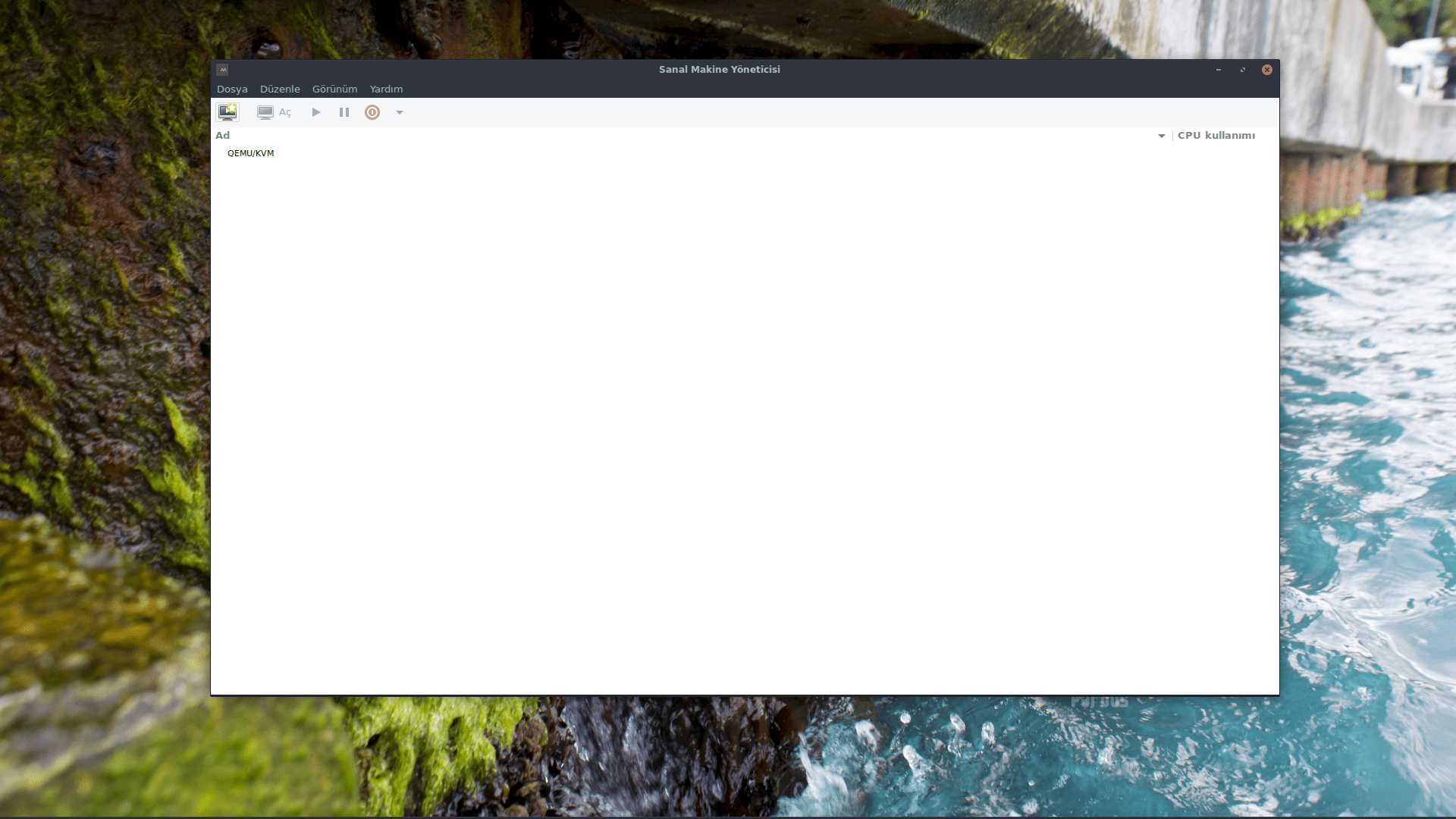
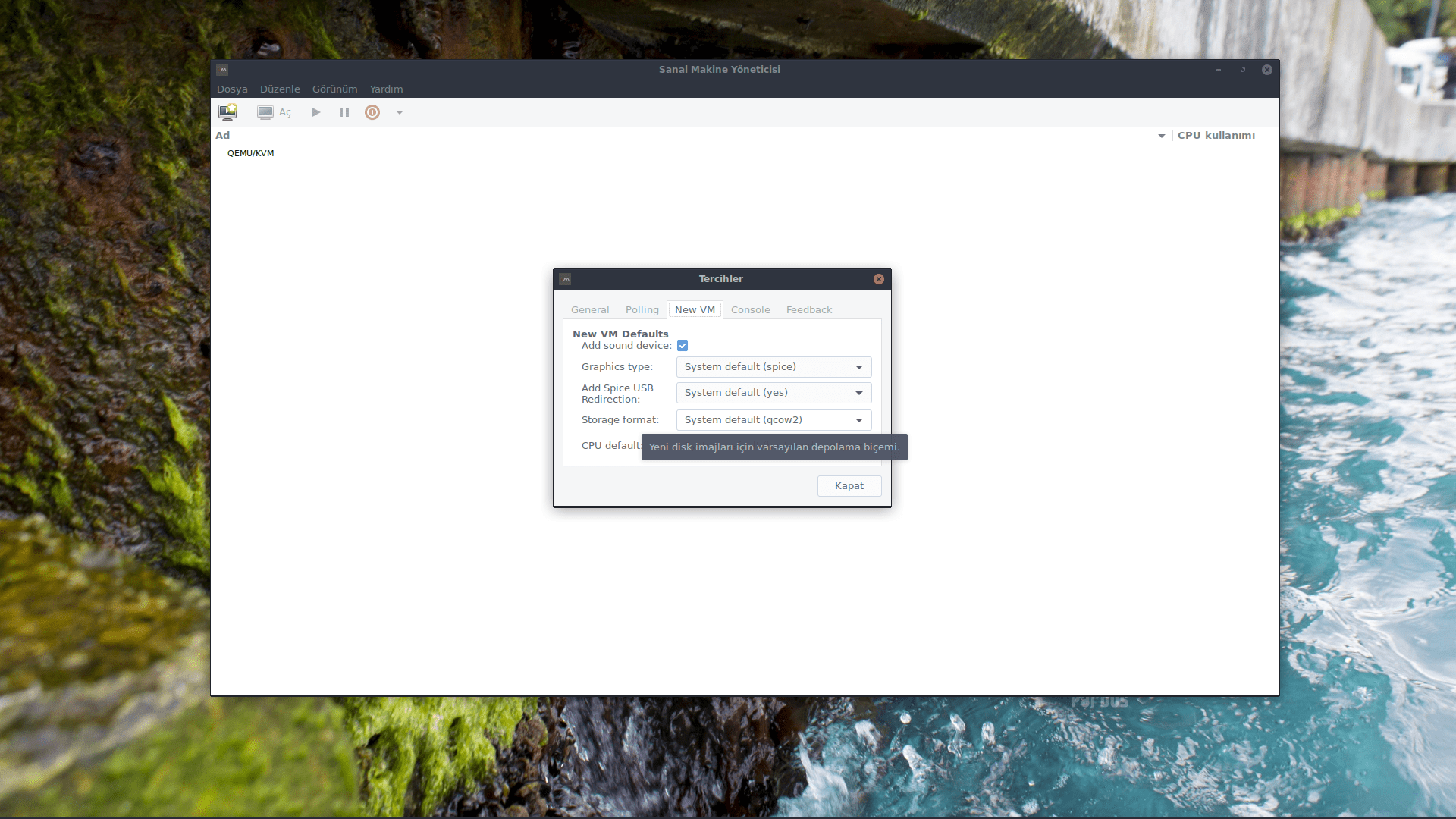
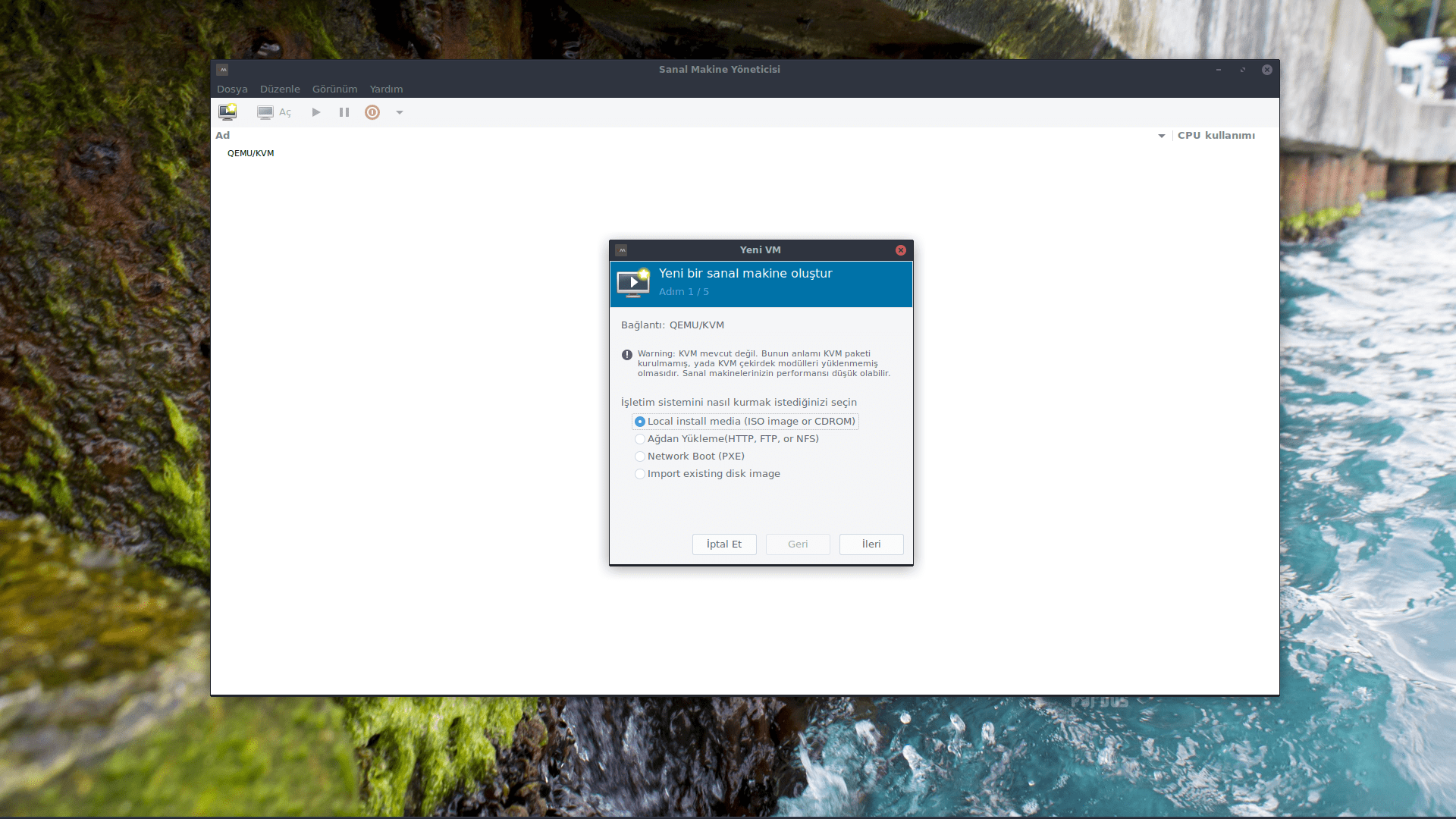
Çalışan alanları ve onların canlı performansları & girdi kullanım istatistiklerinin özet görüntülerini sunar. Detaylı gösterim zamana bağlı performans ve kullanım gösteren grafikler sunar. Sonuç olarak yeni alanların oluşturulması, bir alanın girdi paylaştırmasının & sanal donanımının ayarlanması & dağıtımı sağlanacaktır. Son olarak, gömülü bir VNC istemci görüntüleyicisi misafir alana bütün grafik konsolu sunar NOT: Grafik arayüzü halen deneysel düşünülmelidir.
7 Değerlendirme ( 4.4 )
- 6
- 0
- 0
- 0
- 1
1850 İndirme
- Pardus 25498
- Pardus 23500
- Pardus 21471
- Pardus 1931
- Etap 19171
- Diğerleri43
Yusuf Düzgün 18-08-2025 10:10
Yıllardır kullanırım, harika uygulama. Her açılışta parola sormaması için; sudo usermod -a -G libvirt,libvirt-qemu yusuf(kullanıcı adınız)
mt 29-06-2023 02:36
Kuruluma geçmeden önce makinemizin sanallaştırmayı destekleyip desteklemediğini kontrol edelim. Terminale LC_ALL=C lscpu | grep Virtualization komutunu girelim Intel işlemci için: VT-x AMD işlemci için: AMD-V çıktısı vermelidir. Aksi takdirde Bios dan sanallaştırmayı açmamız gerekli. Uygulamayı kurduktan sonra libvirt hizmetini etkinleştirip ve başlatalım sudo systemctl enable libvirtd.service && sudo systemctl start libvirtd.service Artık uygulamayı kullanabiliriz ;)